Scene frames
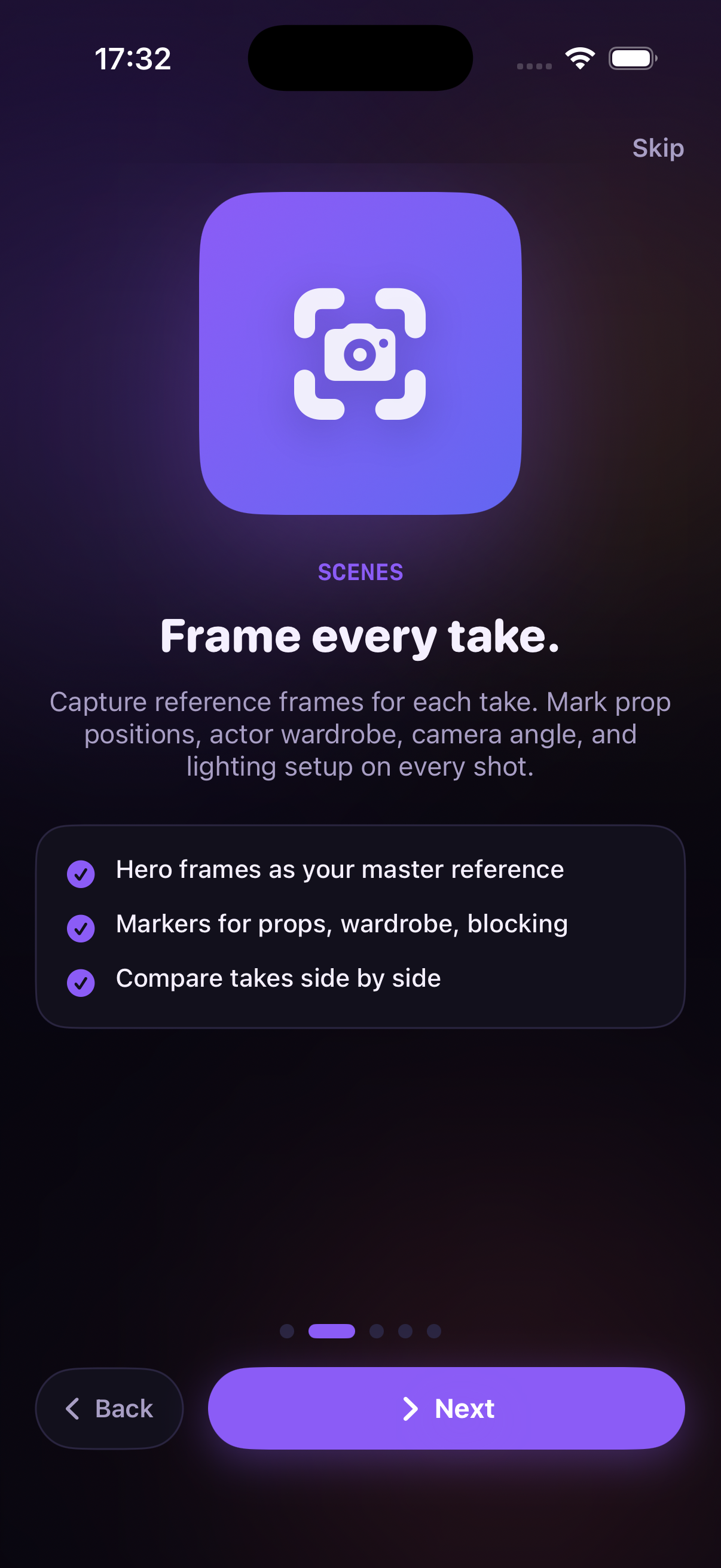
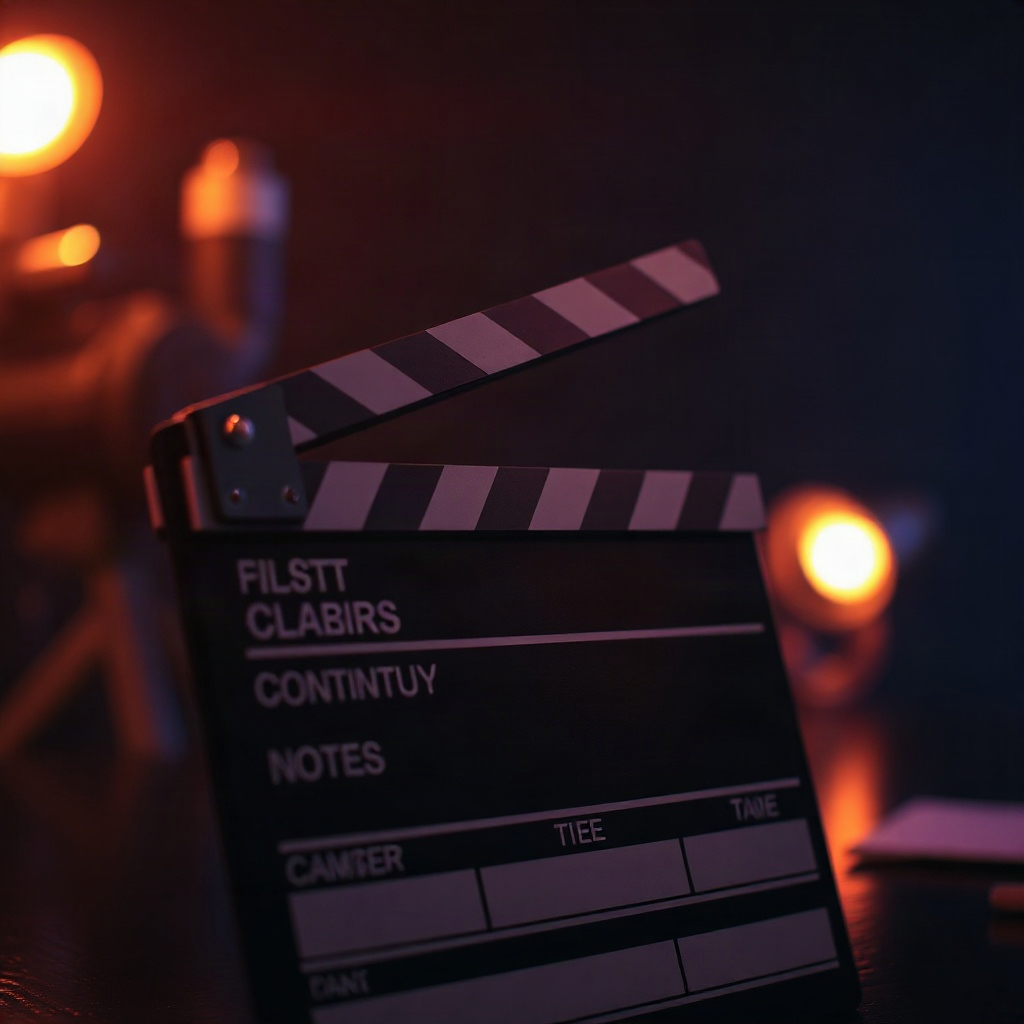
Photograph each take and build a visual library of hero frames. Mark props, wardrobe, and blocking — then compare takes side by side.
Continuity Cam
Capture scene references, track props and wardrobe, and catch continuity errors before the next roll.
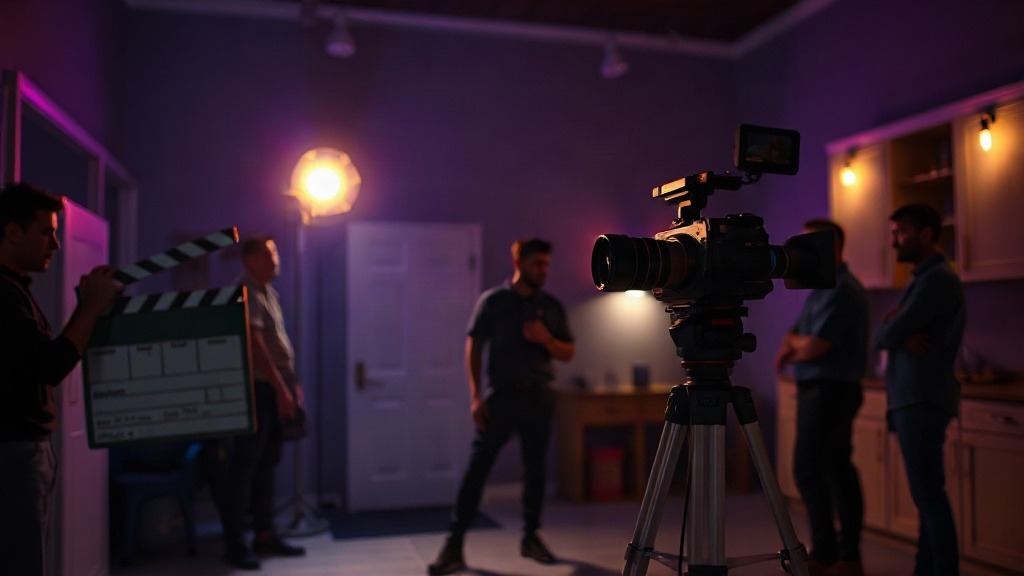
Departments
Dedicated tabs for scenes, alerts, props, wardrobe, camera, and lighting — linked to the frames where they matter.
Photograph each take and build a visual library of hero frames. Mark props, wardrobe, and blocking — then compare takes side by side.
Before rolling again, open your reference frame and spot what changed — a cup in the wrong hand, a chair out of place, sleeves rolled down.
Track position, condition, and critical flags for every item on set. Link each prop to the scenes where it appears.
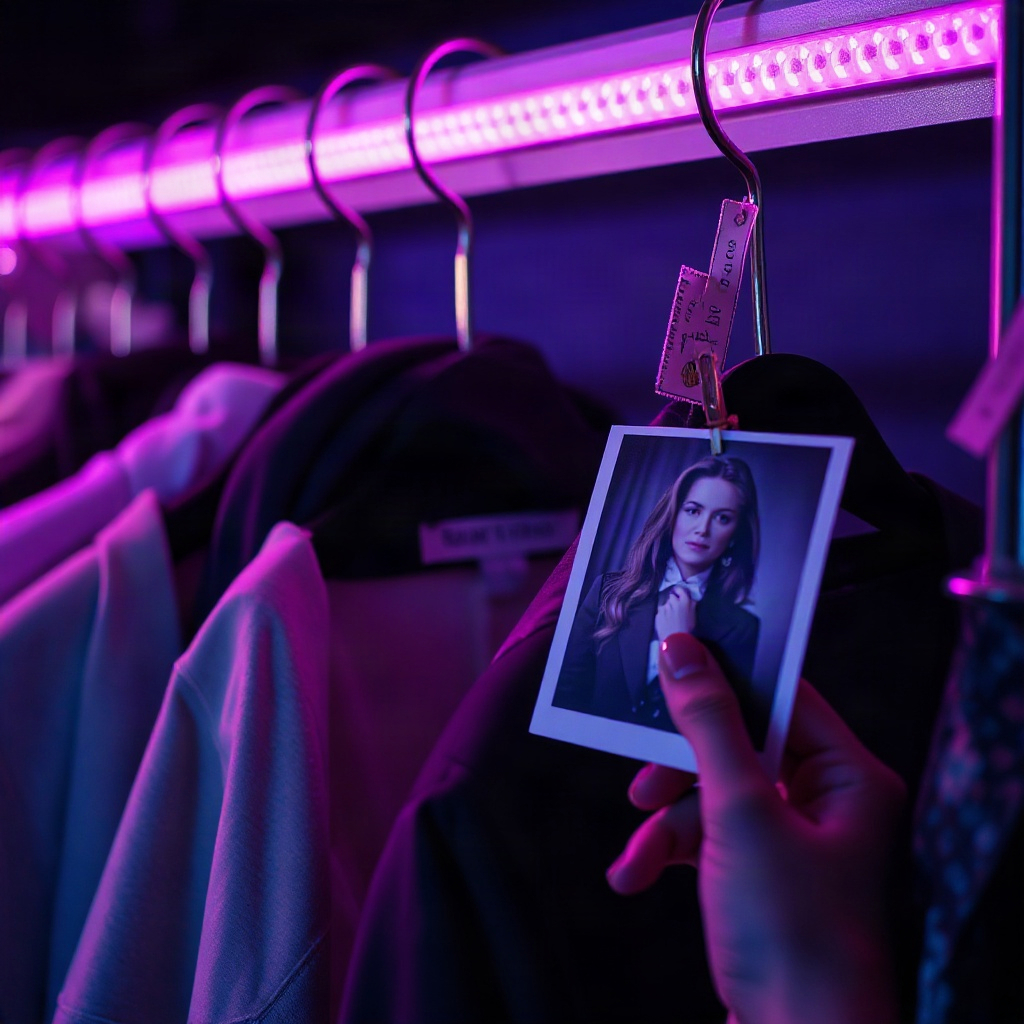
Full costume notes per actor with hand details and continuity flags tied to specific frames in your production.
Record lens specs, camera height, angle, and color temperature so the next setup matches your master reference.
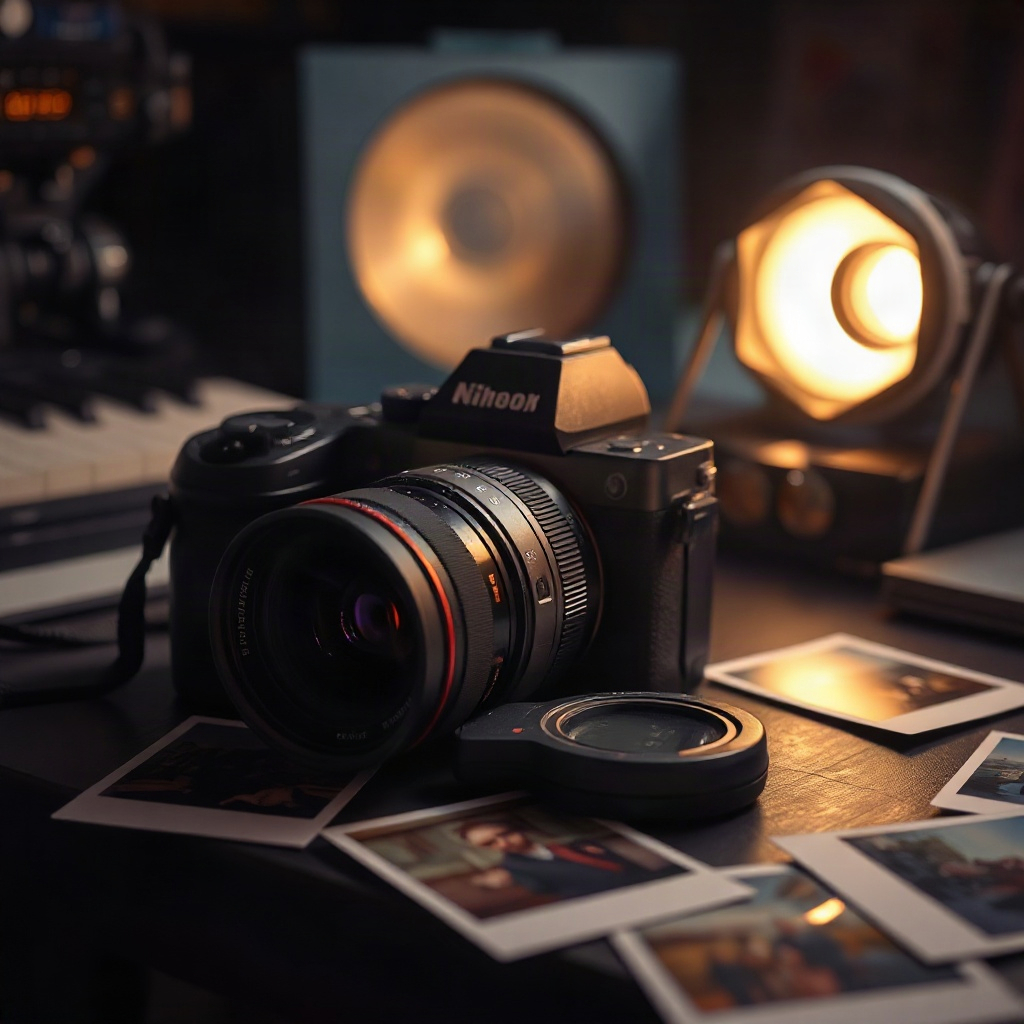
From the viewfinder
About
Dark cinematic design tuned for long shooting days. Name your production, explore sample scenes, and keep every department aligned between takes.
Continuity Cam helps small film crews photograph scene references, track props and costumes, and flag mismatches before the director calls action again.
From hero frames to lens specs, every detail stays tied to the take where it was captured — so the next setup matches the last.